Production Screen or Order Printer?
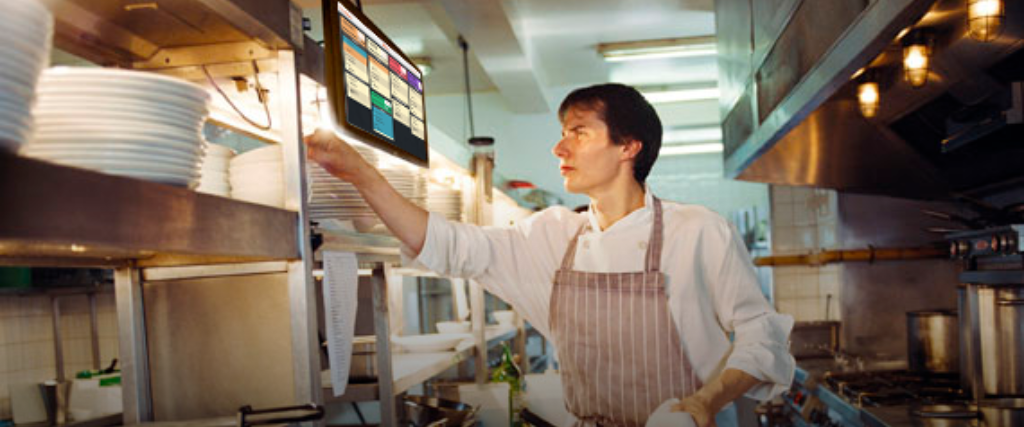
The order printer and the production screen — also known as Kitchen Display System (KDS) — are devices that help organize the preparation of food and drinks in restaurants and bars.
Essential for orders to be prepared faster and delivered to the customer in less time, these solutions have some differences between them that need to be considered when choosing.
Want to know which is best for your establishment? Then keep reading this article!
Download for free: Recipe Card Spreadsheet for Restaurants and Bars
What is an order printer?
The thermal order printer is a device used to print out the orders placed at the service terminal, the POS.
Every time an order is entered in the POS, it's automatically printed in the kitchen or the bar where it will be prepared. The order printer needs ink and paper to work, so it's essential to keep a stock of these materials close to it.
To have a production line capable of handling several orders placed simultaneously, you need an easy and efficient system for organizing the printed orders:
- Easy so that your cooks and bartenders don't have to spend time putting the new orders into the production line;
- Efficient so that all orders are made at the right time, without any being forgotten.
With a board and a few pushpins, you can arrange the orders by order of arrival and pull them off the moment the dishes or drinks are finished. That way, no order gets made twice or forgotten!
What is a production screen (KDS)?
The production screen is a monitor or tablet that displays the orders to be prepared in the kitchen or bar. As with production printers, the orders entered in the POS are sent directly to the KDS.
However, one of the differences between the two solutions is that with a production screen you don't need to spend on paper and ink to print orders.
Additionally, the KDS is automated. In other words: there's no need to organize the printed orders manually on a board. The screen displays all orders in the sequence they were placed, using the kanban system for a better view of how production is progressing.
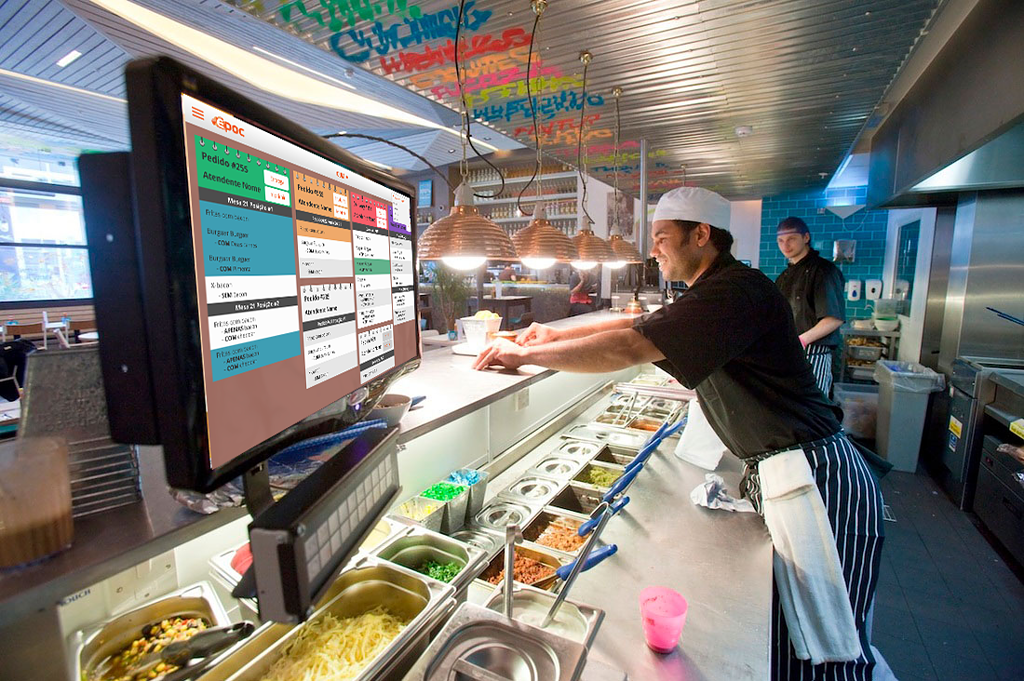
Other features of the KDS are:
- View all orders on a single screen:dining room, delivery e Take away.
- Timer that shows how long the order has been in production, making it easier to prioritize.
- Changes color to make order management easier and flag delays.
- Runner Screen to optimize customer service.
- Sends push notifications informing that the order is ready to the waiter (by station) or to the customer (when it's self-service).
- Integration with the order pickup screen, for operations that work with numbered orders and counter pickup.
Production screens need a spot that's easy for everyone to see, but that isn't in the middle of where the food and drinks are prepared.
That's because, when an employee goes to check the new orders, they can't be in the way of another who is finishing preparing the customers' meal.
Which to choose: Production Screen or Order Printer?
Choosing the best solution for your establishment depends on the complexity of your operation.
In general, a restaurant or bar that doesn't have a very heavy flow of outgoing orders can maintain efficiency using the order printer. Porém, alguns pontos que você deve considerar sobre esse equipamento são:
- Spending on paper and ink: even if it's low, it's recurring and adds to operating costs.
- Manual organization: you need someone responsible for organizing the orders on the board and not letting anything slip through.
- Low visibility of orders: it's not possible to easily identify similar orders, and generally only one order is produced at a time.
- Lack of time control: it's not possible to estimate how long an order has been waiting to be prepared.
A a production display is recommended for operations that handle a large volume of orders or that have more than one service format (dining room, delivery e takeaway).
Some advantages of the KDS are:
- No need to spend on paper and ink, just the initial investment in the equipment itself.
- Automation: orders are organized automatically in the sequence they were placed, without needing someone responsible for it.
- Greater visibility of orders: orders are grouped by type, making it possible to prepare similar orders at the same time and gain speed.
- Time control: each order has a timer showing how long ago it entered production, making it easier to prioritize. It has a delay alert.
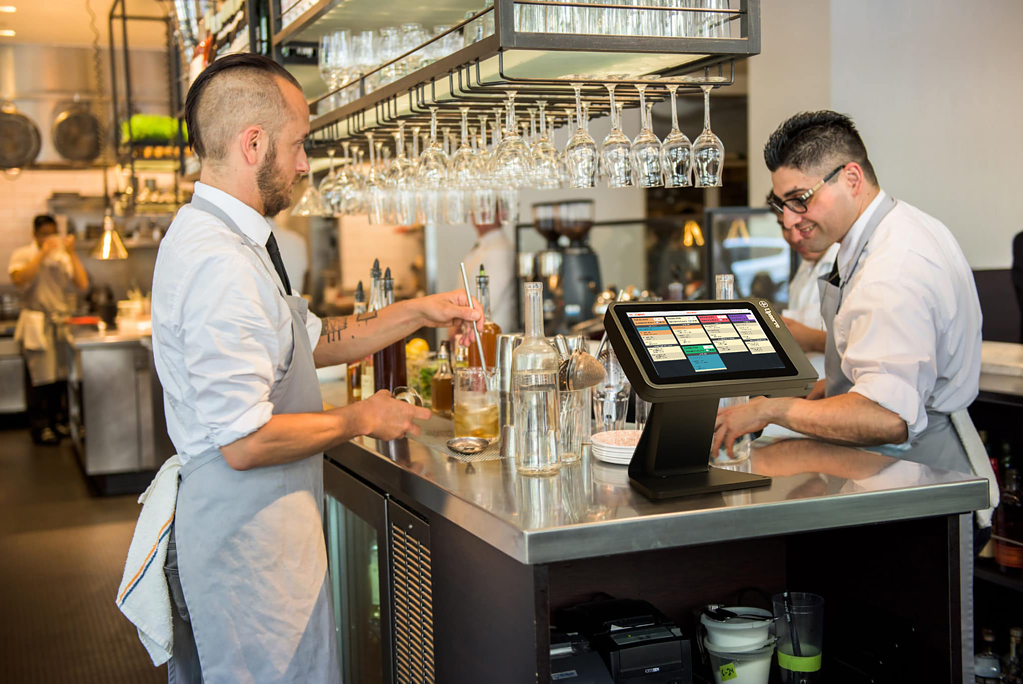
In short, the KDS helps restaurants and bars organize the production flow much more easily, automating processes from the order in the POS to delivering the order to the customer.
With faster production, besides ensuring customer satisfaction – with quick delivery, no errors, and the right temperature – you can increase the productivity and profitability of the business.
Get to know EPOC KDS and optimize your production
So, have you already chosen the best solution for your restaurant or bar? If you're interested in the production screen, get to know EPOC KDS. Oferecemos um sistema completo para agilizar a sua produção – e que pode ser integrado com as nossas outras soluções.
Besides EPOC KDS, we have a complete, integrated platform, from the checkout to the back office. Request a conversation with our consultants to learn more.
Frequently Asked Questions
What is an order printer?
The thermal order printer is a device used to print out the orders placed at the service terminal, the POS. Every time an order is entered in the POS, it's automatically printed in the kitchen or the bar where it will be prepared.What is the KDS?
The production screen, or Kitchen Display System (KDS), is a monitor or tablet that displays the orders to be prepared in the kitchen or bar. Integrated with the POS, it automates processes and replaces order printers.How does the KDS system work?
Orders entered in the POS are sent directly to the KDS, and the screen displays all orders in the sequence they were placed, using the kanban system for a better view of how production is progressing.What are the advantages of the KDS for restaurants?
Among the advantages of the KDS for restaurants are:1. No need to spend on paper and ink
2. Automation of order management
3. Greater visibility of orders
4. Time control and reduction of delays
5. More efficiency and organization in the kitchen