Checkout: what your restaurant can't do without
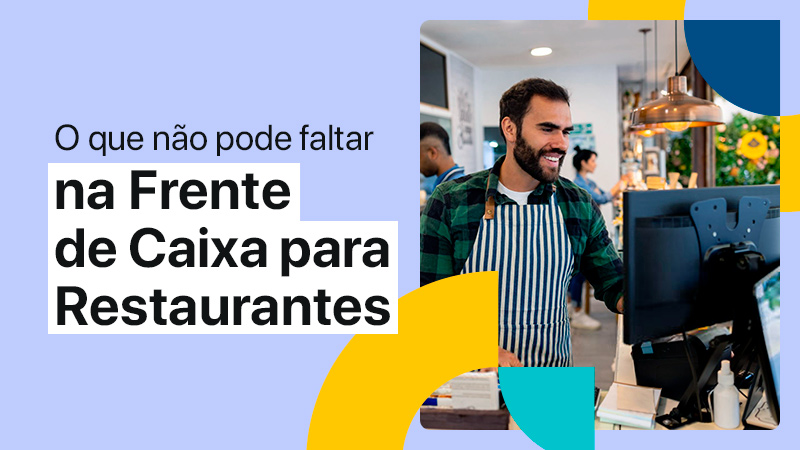
Having an efficient checkout is essential for serving customers well, controlling sales and managing effectively. That's why you need to know how to choose the right system for your business model.
A solution built to serve supermarkets, for example, may not work as well for a clothing store or a restaurant — even if it offers all the essential features for ringing up sales.
That happens because, although retail businesses share some characteristics, each one operates differently and has specific needs.
So, when deciding which checkout software to adopt in your restaurant, you need to know its features, assess its limitations and understand whether it really makes sense.
Want to know how? Then keep reading this article! In it we'll look at why the checkout matters and which features your restaurant can't do without if it's going to succeed. Follow along!
What is a checkout?
The checkout is the area where sales transactions are completed in retail businesses — such as stores, supermarkets and restaurants, for example. In other words: it's the place where customers pay for the products and services they've bought.
an checkout system usually consists of POS – Point of Sale software and equipment such as barcode scanners, fiscal printers, payment terminals, and others.
Despite that definition, the checkout isn't limited to a fixed spot, since there are technologies such as smart POS that allow for mobility. So we can say there are two types of checkout: fixed and mobile.
Beyond processing payments, a checkout plays a crucial role in the customer experience and in a restaurant's entire operation. We'll look at that in more detail next — keep reading!
What's the difference between the checkout and the POS?
Now, you may be wondering: is the checkout the same thing as the POS? The two terms are often used as synonyms, but the concepts are a little different.
As we saw earlier, the term “checkout” is used to describe the physical space where sales are completed, usually a counter where customers pay.
The term “POS” or “Point of Sale”, on the other hand, refers to the system used to record sales and carry out financial transactions, among many other features we'll cover ahead.
So the checkout (the physical place) contains a POS (the system), and that's why the terms are so often used interchangeably.
Why the checkout matters in restaurants
Anyone who thinks the checkout is only there to process payments and record sales is mistaken. In fact, this system affects several different aspects of the business, as we'll see below!
customer experience
An efficient system contributes to faster service and, as a result, delivers a positive experience.
There's nothing worse than going to a restaurant and waiting ages to close out and pay the bill, right? Even if the meal was excellent and the service exemplary, that delay at the register can end up leaving a bad impression.
Fast payment, with no lines, no errors and flexible options, contributes to customer satisfaction and makes them more likely to come back.
order management
It's also through the POS that orders are entered and recorded. What sets checkout solutions built specifically for restaurants apart is precisely that they make order management far more efficient.
A good POS system for restaurants lets you:
- Take orders quickly, in just a few taps.
- Identify each customer and their seat at the table.
- Customize according to each customer's preferences.
- Send the order straight to production, cutting the time the waiter spends walking from the dining room to the kitchen.
- Track order status and get notified when they're ready.
- Integrate with a KDS screen to automatically organize production in the kitchen, gaining efficiency.
- Make splitting the bill easier and speed up payment.
Sales control and financial management
The checkout also records every sale made at your restaurant and generates reports. That makes financial management easier, letting you track revenue, expenses, cash flow and much more.
On top of that, some systems let you set access permissions and identify which employee made each sale. That gives you more transparency and helps prevent fraud.
Tax management
Besides recording all your restaurant's sales and financial movements, the checkout also issues the Nota Fiscal Eletrônica do Consumidor (NFC-e). So it's essential to your business's tax management.
Controle de estoque
The POS can also contribute to more accurate inventory control. You can automate this task by integrating the checkout with the back office. That way, every time a sale is made, inventory is updated automatically.
This makes inventory management much easier and makes it possible to cut losses and waste, reducing your restaurant's costs.
Learn more: 9 main mistakes in restaurant inventory management
Analyzing results and continuous improvement
As it processes sales, the system is generating valuable data for managing your restaurant.
That data can be analyzed to spot trends and consumption patterns, find opportunities to improve the menu and create more effective promotions. That way, you can increase your profitability and grow your business.
Checkout and Service model: how are they related?
Unlike a store or market, where the customer picks products and takes them to the register to pay, restaurants can have several service models: opening a bill at the table, individual tabs, direct sales at the counter, numbered tickets or tokens.
Each one has a different dynamic, and the checkout has to match the model you use. That's decisive for how fast your service is and how satisfied your customers are.
A system without the right features can complicate processes, lead to errors, make the operation inefficient and drive up costs. Often this happens because the manager doesn't realize the tool is limiting or blocking productive work.
That's why it's essential to look closely at the characteristics of the checkout system and find the one that best fits your restaurant's service model.
Below, check out the list of key features to look at while you're deciding!
Checkout for restaurants: what can't be missing?
Checkout systems have a number of basic features, such as:
- Opening and cash register closeout;
- Recording the cash float, cash drops and cash top-ups;
- Recording sales;
- Issuing NFC-e tax receipts;
- Charging via a range of payment methods;
- Among others.
But to get more productivity, speed up service and run a more efficient operation, your restaurant's system needs specific features. Below, we list the key ones you can't do without:
1 – Mobility
The mobile checkout is essential for delivering excellent service.
With a Smart POS device, tablet or smartphone, your waiters don't have to go to the table, write down the order and then walk back to enter it in the system. And your customers can pay the bill right at the table, without going to the counter and standing in line.
Another advantage is that you can have more registers and the flexibility to run them in different places, adapting to your needs without much hassle.
2 – Easy order entry
Ease of use is also an important factor and can even be a differentiator for your business. A complex system, with lots of screens and commands, not only takes more training time but also causes more errors and slows down order entry.
Using a modern, fast POS, on the other hand, speeds up order taking. Because it's more intuitive, the waiter learns it faster and orders go in within seconds, error-free.
3 – Phased orders by stage to guide the waiter
Another feature that's very useful for speeding up order entry and putting an end to errors is phased orders.
They let you create a custom flow to guide the waiter as they take the order. It's organized in stages, for example: starter, main course, add-ons, drinks, desserts.
This way, you guarantee standardized, quality service, avoid errors in orders and can also add stages with suggestions for extra items, using an upselling strategy to raise your average ticket.
4 – Organizing by section and distributing among waiters
A good restaurant system also has the features to configure sections and distribute them among the waiters, making table management easier and organizing the operation better.
That way, your waiters can focus on their own section, keep track of orders more easily and always be available for the customer.
5 – Identify customers and customize orders
A common problem caused by simpler systems is that you can't identify the customers at the table.
So when it's time to deliver the order, the waiter doesn't know who's who and has to ask — unless they have a good memory! It may seem like a small detail, but it ends up causing more errors in orders and affects the customer experience.
So if you want to deliver excellent service, you should choose a system that lets you identify the customers at the table and customize orders according to their preferences.
This feature puts an end to the mix-ups, and the waiter delivers the order to the right person without having to ask.
6 – Digital Menu and Self-Service
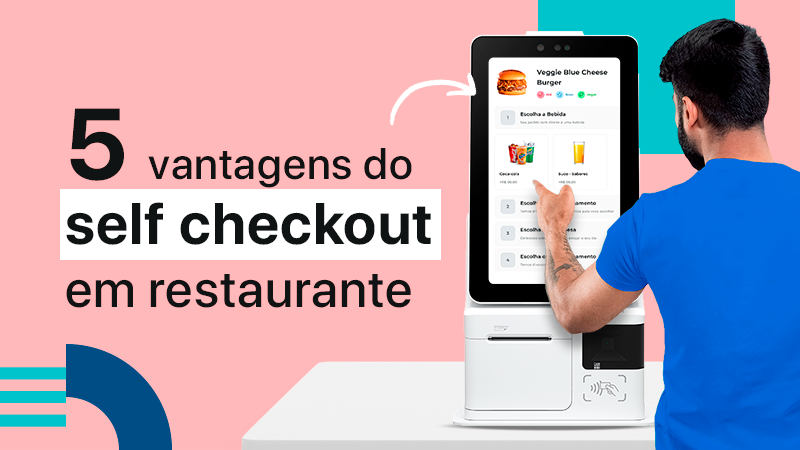
Technology is there to optimize processes, and whoever knows how to use it best comes out ahead. Choosing a POS system with QR Code Digital Menu and Self-service solutions on kiosks or tablets can be a big differentiator for your business.
Your customers will have more autonomy to browse the menu, place their orders and pay. With that, you gain speed and cut operating costs.
7 – Flexibility in payment methods
The cashless economy is already a reality and customers want convenience when it's time to pay. So offering a variety of payment methods is essential.
The checkout needs the flexibility to accept credit and debit cards, digital wallets, PIX, and food and meal vouchers. The easier it is for the customer, the better.
And from a management standpoint, it's also worth checking whether the system integrates with the best card machine for your business and has features that make receivables control easier.
That way, you can have better financial management and cut costs.
8 – Generate reliable data
A common scenario in restaurants is using several different systems that don't talk to each other very well. That causes all sorts of problems, such as inconsistent data, lost information, and reports in different formats that never match up.
So how can you manage well if you don't have reliable data? How can you build effective growth strategies if you're wasting your time checking and analyzing different reports?
To succeed with your restaurant, you need reliable, available data, the freedom to build custom reports and an easy way to analyze the results. That way, you get more visibility and control over your business.
EPOC: the platform built for your restaurant to grow
Now that you know all about the checkout for restaurants, how about getting to know EPOC?
We are a restaurant platform with innovative solutions built to speed up service and simplify management. Get a POS system integrated with a Multi-Store ERP back office, KDS, Digital Menu, Self-Service and much more!
To find out how we can help your business, fale com nossos consultores!