
iFood Registration: Step-by-Step Guide for Restaurants
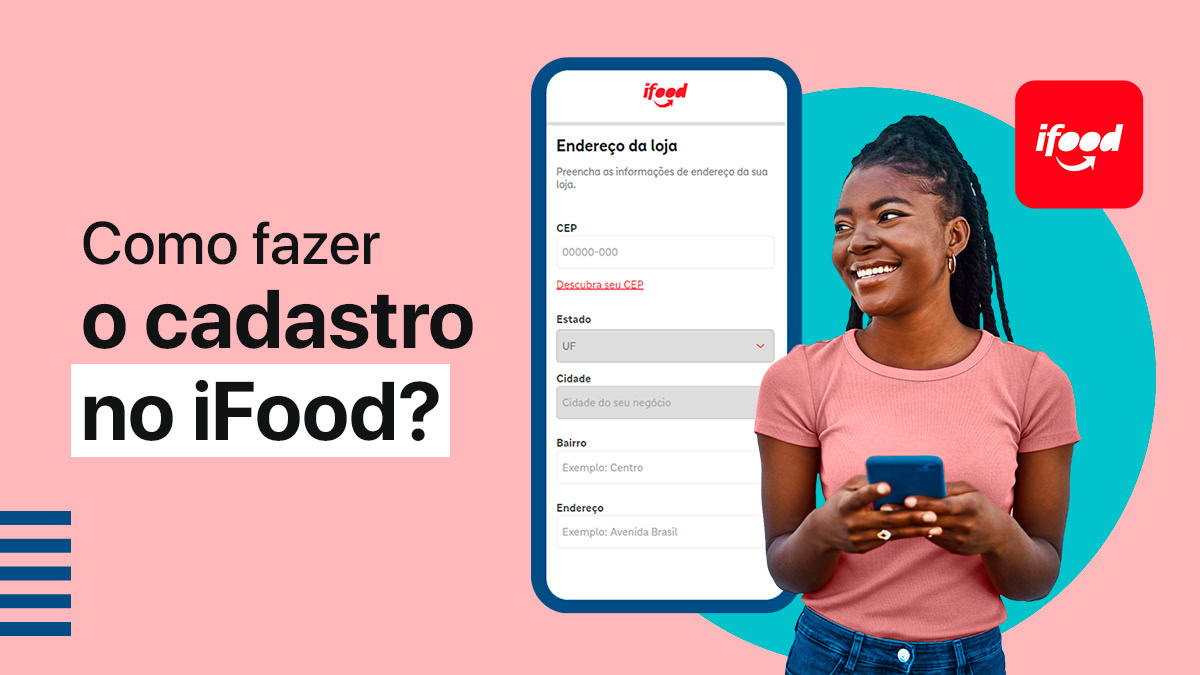
iFood is the leading delivery platform in the Brazilian market. With more than 40 million customers, the app receives around 70 million orders every month, making it one of the best sales channels for restaurants.
To learn how to register on iFood, keep reading this article! In it you will find what you need to sign up and a complete step-by-step guide to start receiving orders through the platform. Follow along!
iFood registration for restaurants: what do you need?
Before registering your restaurant on iFood, you need to check whether you meet all the platform's requirements and have the necessary documents on hand. See below what is required and then follow the step-by-step guide!
Company information to register on iFood
To register your company on iFood, you will need to provide:
- Company information: address, legal business name, phone number and specialty.
- A valid CNPJ with a CNAE code in the food sector.
- A bank account linked to the CNPJ or to the legal representative, in the case of an MEI.
- Personal details of the account holder: full name, CPF, RG, email and phone number.
Is it possible to register on iFood with a CPF?
A CNPJ is mandatory to open a store on iFood.
However, iFood has a program to encourage the professionalization of restaurants. For this reason, in some cities, it is possible to use a CPF to register.
But be aware: this type of registration has some restrictions on hiring certain services. In addition, you will need to set up a company with a CNPJ within one year to keep operating on the platform.
Other prerequisites
To register and use the platform you will also need a computer running Windows (7 or later) or an Android phone with internet access.
Finally, if you choose the basic plan, you will need to have your own delivery driver.
Step by step: how to register on iFood to start selling
Now that you know what information is required to register on iFood, follow the step-by-step guide to open your store.
Step 1: Go to the registration page
Go to the iFood registration page and select your store type.
There are two options:
- Restaurant, for any type of food business, such as snack bars, bakeries, drinks and so on.
- Market, for other retail establishments, such as Pharmacies, Pet Shops, Supermarkets, among others.
You will be taken to the corresponding registration page.
Step 2: Fill out the form
Fill out the form with your Full Name, Email and Mobile Number. Then click “Register Now”.
Step 3: Add your registration information
On the next page, enter your restaurant's full address. Then the full name and CPF of the legal representative.
On the following page, fill in your store details, such as CNPJ, Legal Business Name, Store Name, Phone Number and Specialty.
Step 4: Choose the best iFood Plan for your restaurant
iFood offers two plan options. Choose the one that makes the most sense for your business:
Basic Plan
- Deliveries are made by the store itself.
- 12% commission on delivery orders
- R$ 110 monthly fee for restaurants with revenue above R$ 1,800 per month
- 3.2% fee for orders paid via iFood
Delivery Plan
- Deliveries are made by iFood partners.
- 23% commission on delivery orders
- R$ 150 monthly fee for restaurants with revenue above R$ 1,800 per month
- 3.2% fee for orders paid via iFood
In both plans your store is visible in the iFood app and you get access to a Digital Menu, Order Manager and Marketing Tools. In addition, with the Delivery Plan you get real-time delivery tracking and insurance against delivery fraud.
The Delivery Plan is not available in some regions. You can find more information about the plans on the iFood website.
Learn more: Free delivery: how to offer it at your restaurant?
Step 5: Choose an email
To complete your registration, choose an email address to access the platform and receive all communications.
A verification code will be sent to your email so you can complete the security check.
Step 6: Wait for validation and sign the contract
Done! Your registration is complete.
iFood will verify your restaurant's information and, if everything is correct, will get in touch by email to sign the contract.
Step 7: Access the Partner Portal
After signing the contract, you will have access to the Partner Portal and can set up everything for your store, such as the menu, payment methods, opening hours, fees and delivery times, among others.
Then you can set a date to start selling and access the iFood Order Manager. Então, estará tudo pronto para receber os pedidos!
Is it worth registering your restaurant on iFood?
As we have seen, iFood is the largest delivery platform in Brazil and receives millions of orders every year. That makes it one of the main tools for restaurants that work with delivery, serving not only as a sales channel but also as a showcase.
Leia também: Dark kitchen: discover the advantages and learn how to set one up
So having a store on iFood can be a strategic way to gain visibility and expand your customer base.
Even so, you need to take some precautions to perform well on the platform and avoid losing money. For example:
pricing
The first one is the pricing of your iFood menu, which must take into account the commissions, fees and other costs involved in keeping your store open.
Price your items correctly to keep your business profitable. Access our free tool to calculate your Delivery costs!
order management
iFood provides an Order Management tool and you must always stay alert to avoid mistakes and delivery delays.
An efficient solution is to integrate iFood with your PDV and centralize all your orders on a single platform. This way you organize your orders better and speed up production.
Qualidade
Maintaining quality standards and keeping customers satisfied is decisive for success on iFood.
That is because the platform lets customers rate restaurants by leaving a score and comments. If you get a lot of low ratings and negative comments, it hurts your reputation and can drive customers away.
Marketing and promotions
And of course, to get good delivery sales results you need to invest in marketing.
Creating a menu with attractive photos of your products, promoting your business on social media with exclusive offers and providing discount coupons are some strategies to boost your restaurant on iFood.
In other words: with good management, your restaurant can achieve great performance on iFood!
Count on EPOC to grow your restaurant
And to manage well, having a restaurant platform like EPOC can make all the difference!
Our solutions help you deliver outstanding service, run a more efficient operation and simplify restaurant management.
With EPOC you get a fast POS, a complete back office, a KDS system integrated with the Delivery Hub to organize your orders, Dashboard Analytics to make results analysis easier, and much more!
talk to our specialists and find out how we can help your restaurant grow.